









Tiisetso Mosala

Independent creative practicePortfolio / 2026

Explore the practiceScroll ↓

Move over the portrait to shift the glass lenses and tilt the image. Click or tap to hold the current view; click again to release. On touch screens, press and drag to explore. Use Enter or Space to hold, arrow keys to move the lenses, and Escape to reset.

Creative Technologist · 3D & Motion Designer

[01 / About]About me

Built on craft. Driven by curiosity.

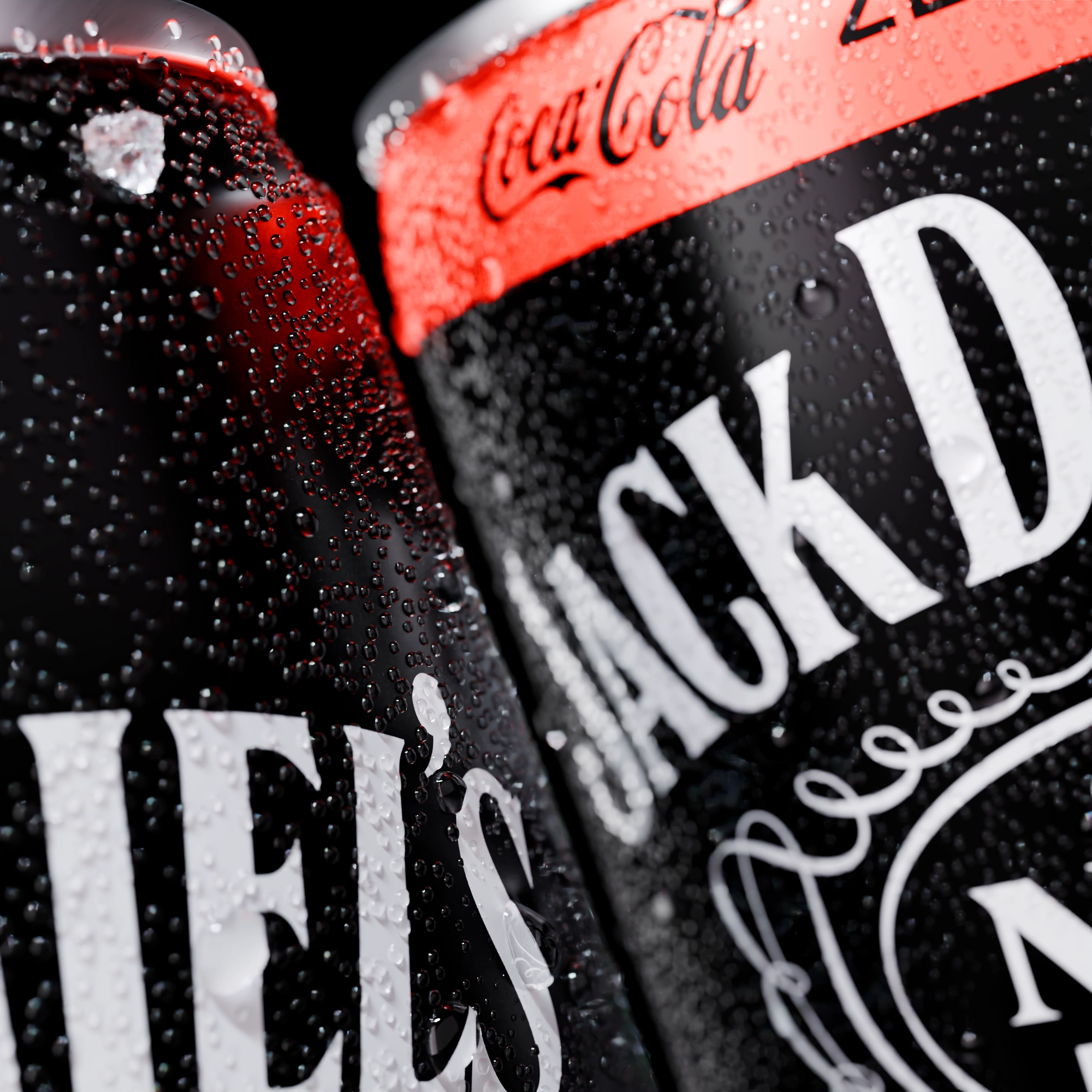
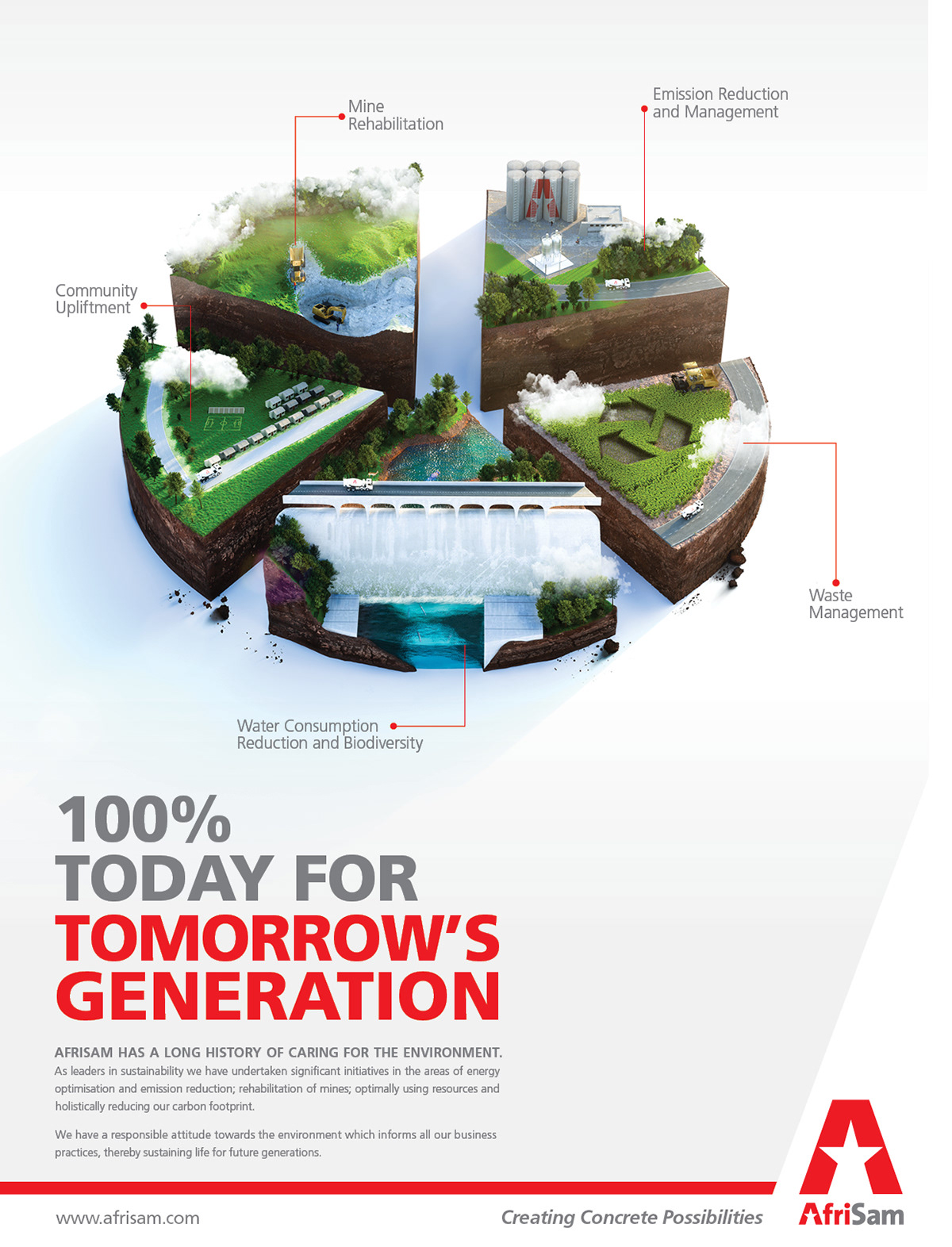
My background is in advertising, 3D visualization, and motion design. I work with light, materials, and movement to give ideas a tangible form.

I’m now growing that practice into creative technology, exploring how the things I make can respond, move, and be experienced.

  • 3D visualization
  • Motion design
  • Creative technology

Hover or focus to pause the scrolling logos. With reduced motion, scroll each row horizontally to see all the brands.

  • Nedbank
  • Coca-Cola
  • AfriSam
  • Castle Lite
  • Old Mutual
  • South African Airways
  • PPS
  • Joe Public
  • Ogilvy
  • Promise

[02 / Projects]

Selected work

[03 / Technology]

Creative technology

Tools & production systems

Building tools that connect creative ideas to the workflows behind them.

Campaign production tooling

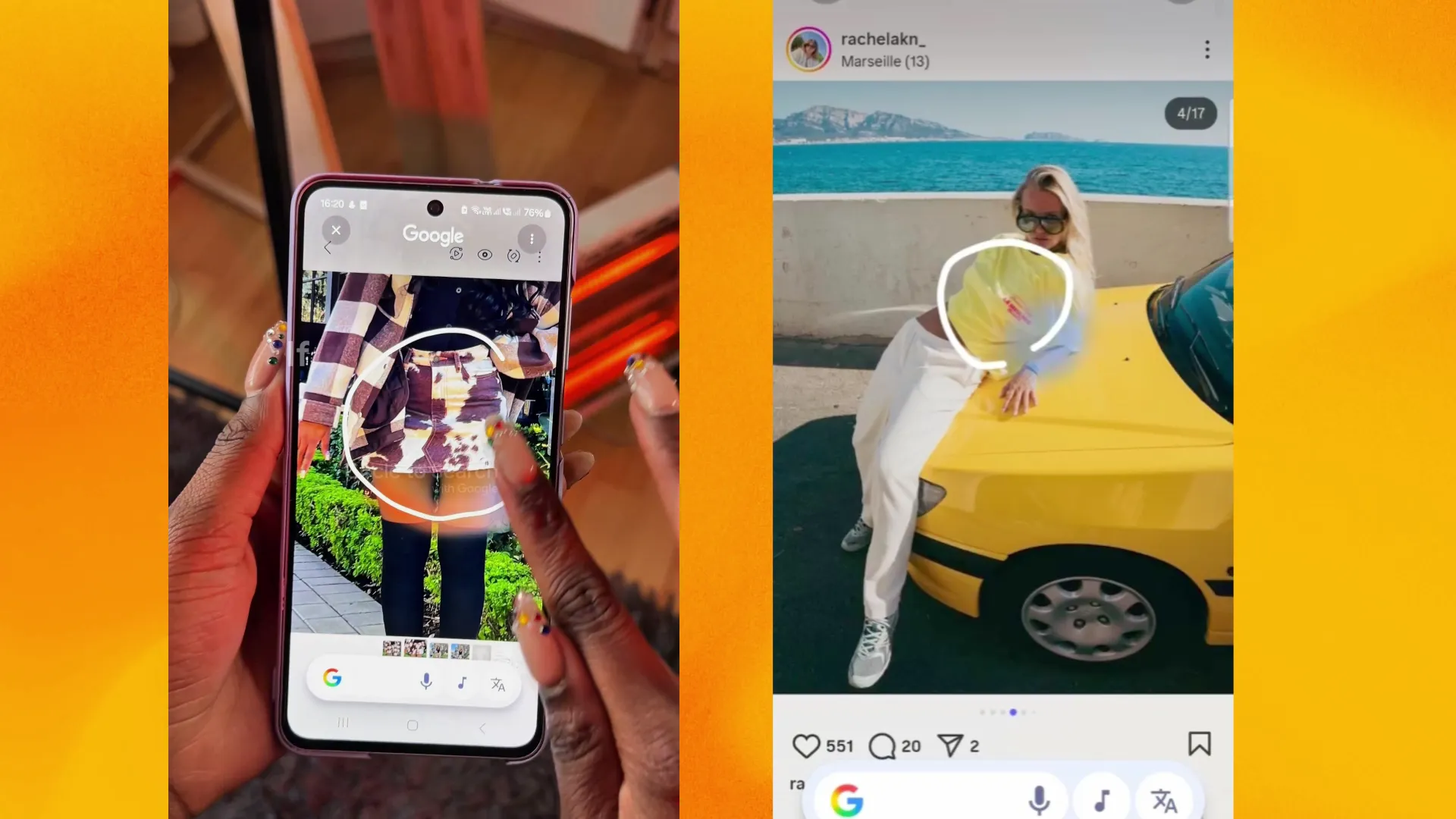
Google DOOH

Explore the working rollout: choose a placement, play its animation, and inspect the shared end frame across screen formats.

Explore project

The problem

Digital out-of-home campaigns need consistent creative across screens with very different dimensions. Manually rebuilding every layout makes changes harder to manage.

The approach

The project connects spreadsheet-driven prompts to responsive layouts, generates render targets, and checks video and static outputs. Variant previews support review across formats.

Development focus

Responsive layout logic, content synchronization, batch rendering and output validation.

Built with

HTML · JavaScript · GSAP · Playwright · ExcelJS

The demo uses the repository rollout snapshot. Production rendering and live spreadsheet synchronization run separately.

Open the interactive rollout

Creative coding assistant · V2

CookieMonster

Try the V2 workspace, follow a request through the model bridge, and explore the changes behind the desktop upgrade.

Explore project

The problem

Creative workflows need an assistant that can work with project files and tools, with model access connected to the working environment.

The approach

CookieMonster adapts the OpenCode desktop application and connects it to a local provider bridge. The bridge handles model transport while OpenCode supplies project context, file editing and tool execution.

Development focus

Desktop customization, provider integration and creative tool connections.

Built with

TypeScript · Electron · OpenCode · Local provider bridge

Built on the open-source OpenCode project. Source code for this customization is private.

OpenCode foundation Open the interactive CookieMonster preview
AI inside After Effects03

From a conversation to a composition.

  1. 01Inspect composition
  2. 02Save checkpoint
  3. 03Edit & review

Development prototype

CookieJar

An After Effects chat panel that connects compositions to CookieMonster and brings AI-assisted editing into the application.

Explore project

The problem

Moving between an assistant and After Effects separates the conversation from the composition, its layers and the result of an edit.

The approach

A CEP panel connects After Effects to a local Node bridge. Conversations follow the project, composition captures provide visual context, and editing uses inspection and verified checkpoints before execution.

Development focus

After Effects integration, composition context, visual capture and checkpoint-backed editing.

Built with

JavaScript · Node.js · CEP · ExtendScript

Client release is not yet approved.

View source on GitHub

Sunday Times Automations

An editorial workshop for adapting articles into branded vertical reels, with review of copy, imagery, timing and rendered output.

Explore project

The problem

Turning an article into a short reel involves editorial decisions, asset selection and motion production. Those steps need a repeatable workflow with room for review.

The approach

The workshop accepts article text and source details, supports manual or model-assisted adaptation, and brings composition and rendering into a job workflow. The output remains subject to review; publishing is manual.

Development focus

Editorial workflow, reusable motion compositions, rendering and review tooling.

Built with

TypeScript · Node.js · HyperFrames · HTML/CSS

Client workflow. Source code is private. The walkthrough uses the files from the El Niño farmers reel.

Open the article-to-reel walkthrough

[04 / Contact]

Have something in mind?

Let’s make it happen.

tiisetso@loom3d.co.za